

What are Keboola apps
Understand what Keboola apps are — Python/JS applications that run inside your project on governed data — and how they're hosted.
A Keboola app is an interactive application that runs inside your Keboola project, on top of your data. Use one to give people a way to see and act on data, not just move it.
How apps fit into Keboola
Section titled “How apps fit into Keboola”Keboola has always handled the data pipeline — extracting, transforming, and loading your data. Apps add the layer on top: the interface your team or customers actually use. Because the app runs inside your project, it reaches your data through the same access controls you already manage.
This is the part that sets Keboola apps apart from general app builders: the app is governed by default. There’s no separate database connection to configure, expose, or leak, and no dataset copied to an outside service — the app reads through the project’s own access, server-side. It can only touch data the project can touch, and you control who can open it.
Keboola provisions and runs the app for you — there’s no server to set up.
What you can build
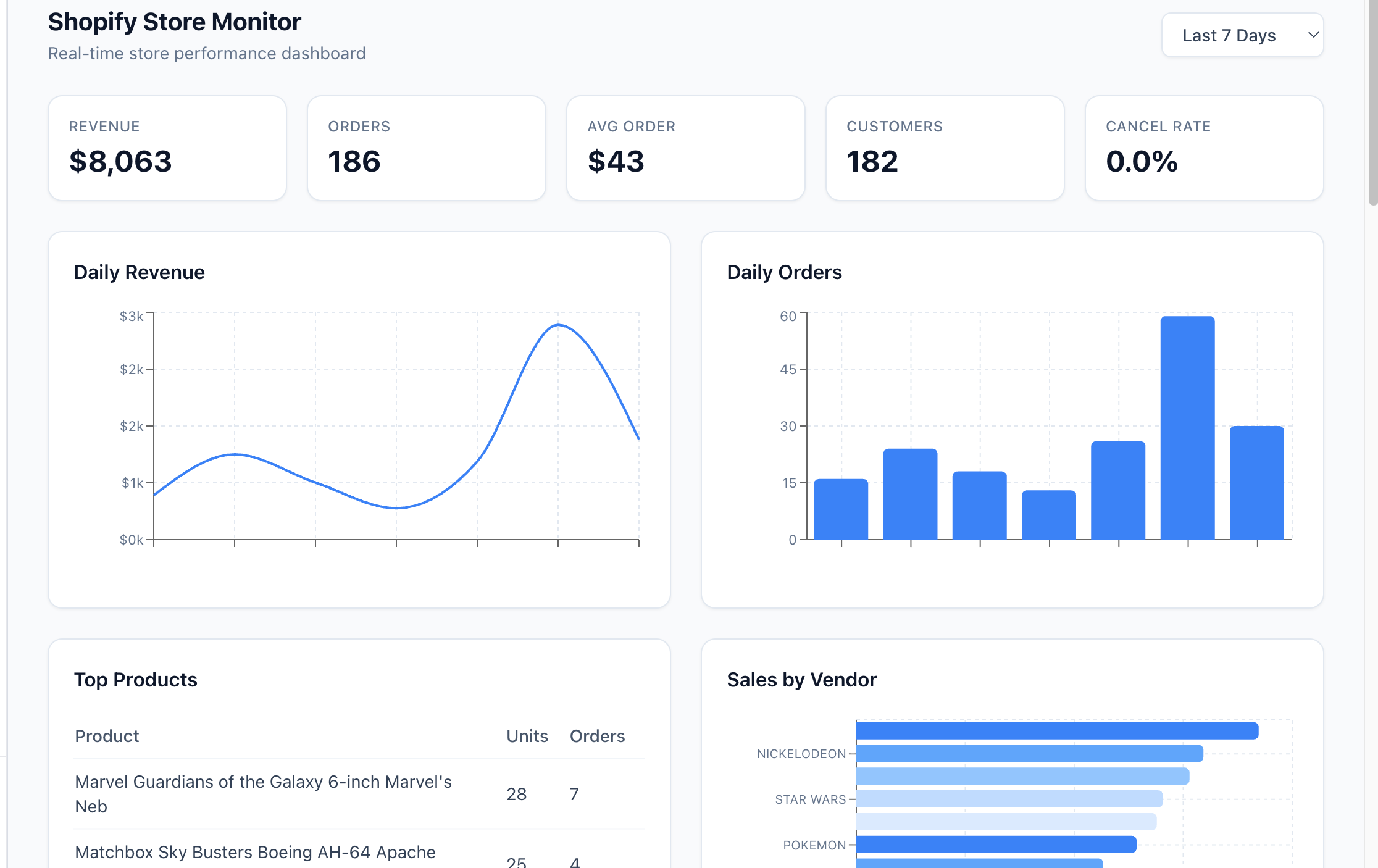
Section titled “What you can build”- Dashboards — track metrics, replace a BI seat for an internal view.
- Internal tools — forms, approvals, and workflows that read and write back to your data.
- Data narratives — scrollable, explained stories built from your data.
- Anything interactive — configurators, simulators, and more.
- Agent-facing services — an app can expose an API or an MCP server so other agents and services call it, not just human visitors (a Python/JS capability).
The stack: Python/JS
Section titled “The stack: Python/JS”Keboola apps run on Python/JS — any Python web framework (Flask, FastAPI, Dash), a JavaScript frontend (React, Vue, plain JS), or both together. That’s what Kai builds, and the path for all new apps. What that buys you:
- Any framework, any UI. Full control over look, layout, and interactivity — a polished, customer-facing product, not just an internal tool.
- Full-stack. A JavaScript/React frontend with a server-side backend (for example, an Express or FastAPI API) in one app.
- Server-side data access. Your Storage token stays on the server; the browser never sees it.
- An API — or an MCP server. Because there’s a real backend, the app can serve other agents and services, not just human visitors.
- Your Git workflow. Develop in your own editor and Git account — production-grade, versioned development.
How development actually works — code, configuration, data access, deployment — is covered in Build locally.
Have an existing Streamlit app? Streamlit remains supported; its documentation lives in the Streamlit apps section.
Where Kai fits
Section titled “Where Kai fits”Kai can build, edit, and run apps for you. Throughout these docs, “build with Kai” is the recommended path for most users — it removes the low-level setup you’d otherwise do by hand. Developers who want full control can still build locally; see Build locally.